Motion Preview
AI Image to Video Generator
Turn one still image into a short video with prompt-guided motion, anime-friendly movement, and clean output for social posts, OC showcases, and creative demos.
120
1 image
Start from a single still instead of building a scene from scratch.
Prompt-led
Control subject motion, atmosphere, and camera movement with text.
Short-form ready
Well suited for social clips, OC reveals, and motion-first showcase content.
Popular Motion Ideas
soft blink + hair swaygentle push-in camerafloating petals + cloth motionneon flicker + rain streaks
Motion Preview
Motion Preview
Motion Showcase
See What You Can Create with Image to Video
Each example below starts from one still image and adds focused motion. This is the closest reference point for what users expect before they open the generator.
Video Result
Source
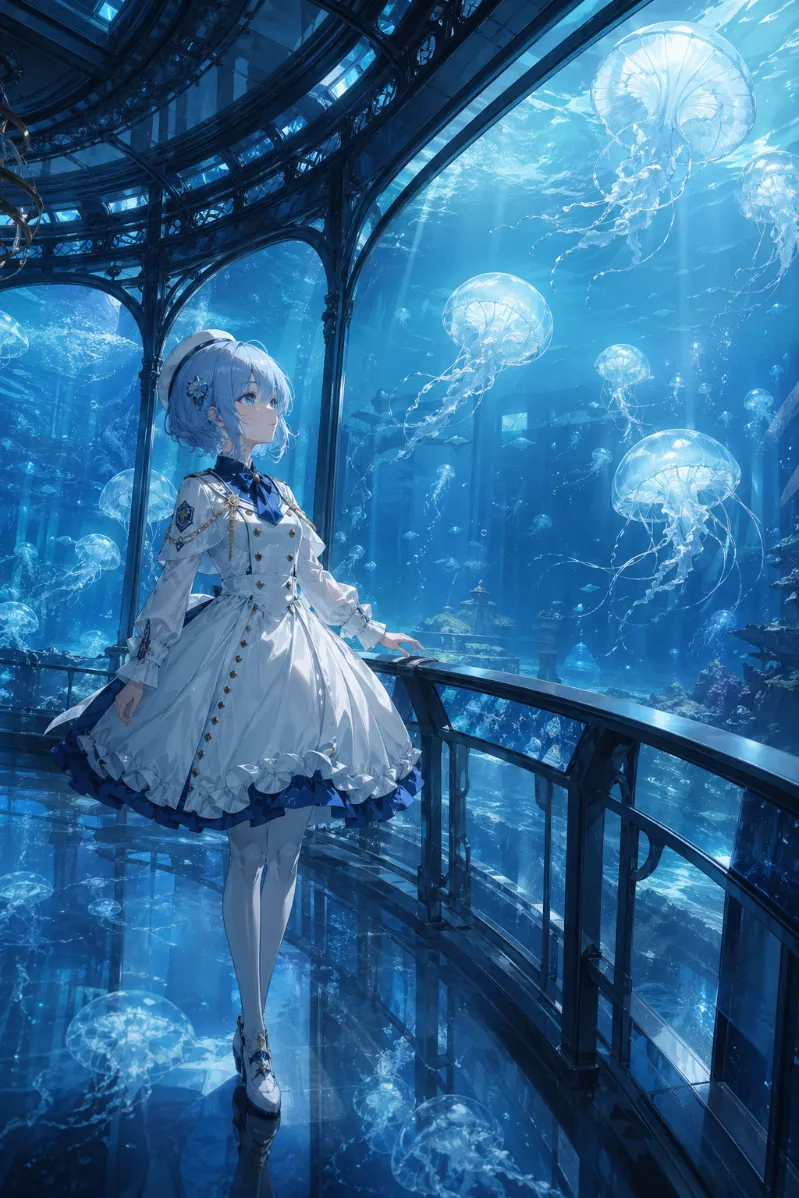
Example 01
Motion PromptSubtle anime idle animation, gentle blink, soft twin-tail sway, kimono sleeve movement, drifting koi in the pond, warm lantern glow, smooth natural motion, fixed camera.
Video Result
Source
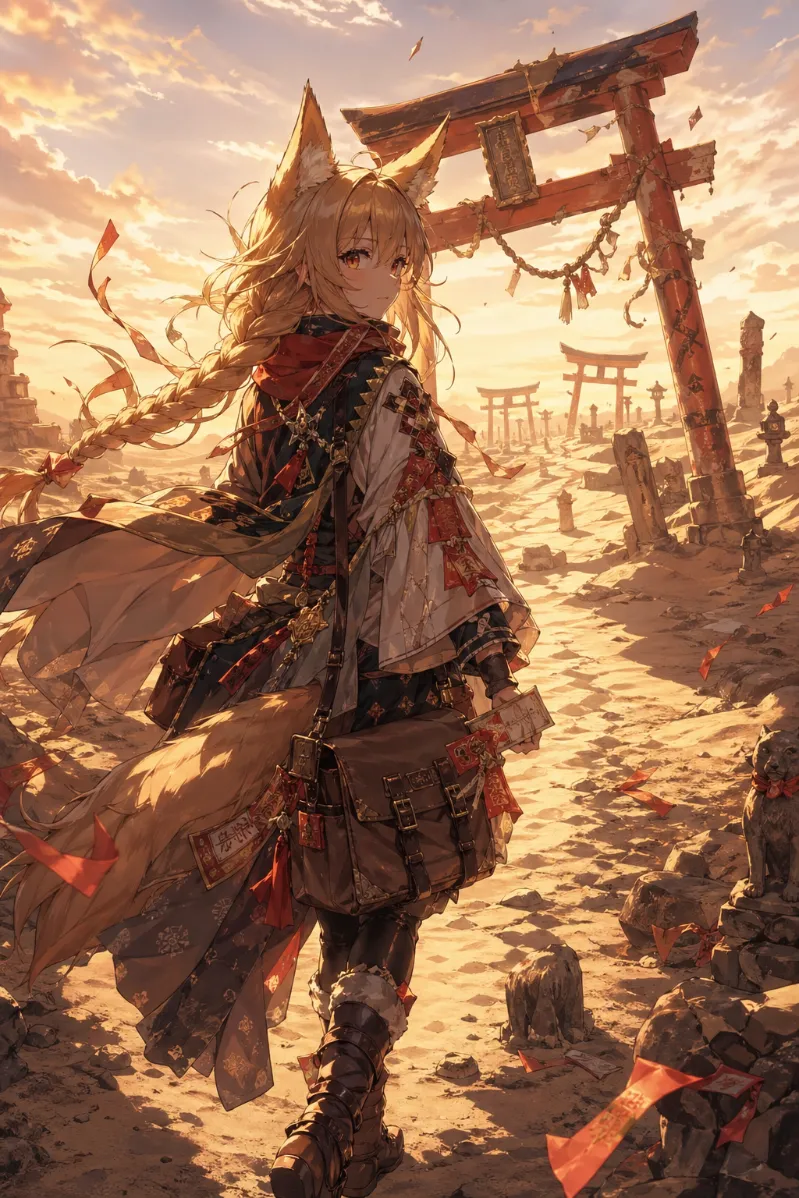
Example 02
Motion PromptElegant parasol twirl, light hair sway, slow rose petal drift, slight eye movement, dreamlike pacing, graceful camera orbit, preserve the original gothic anime look.
Video Result
Source
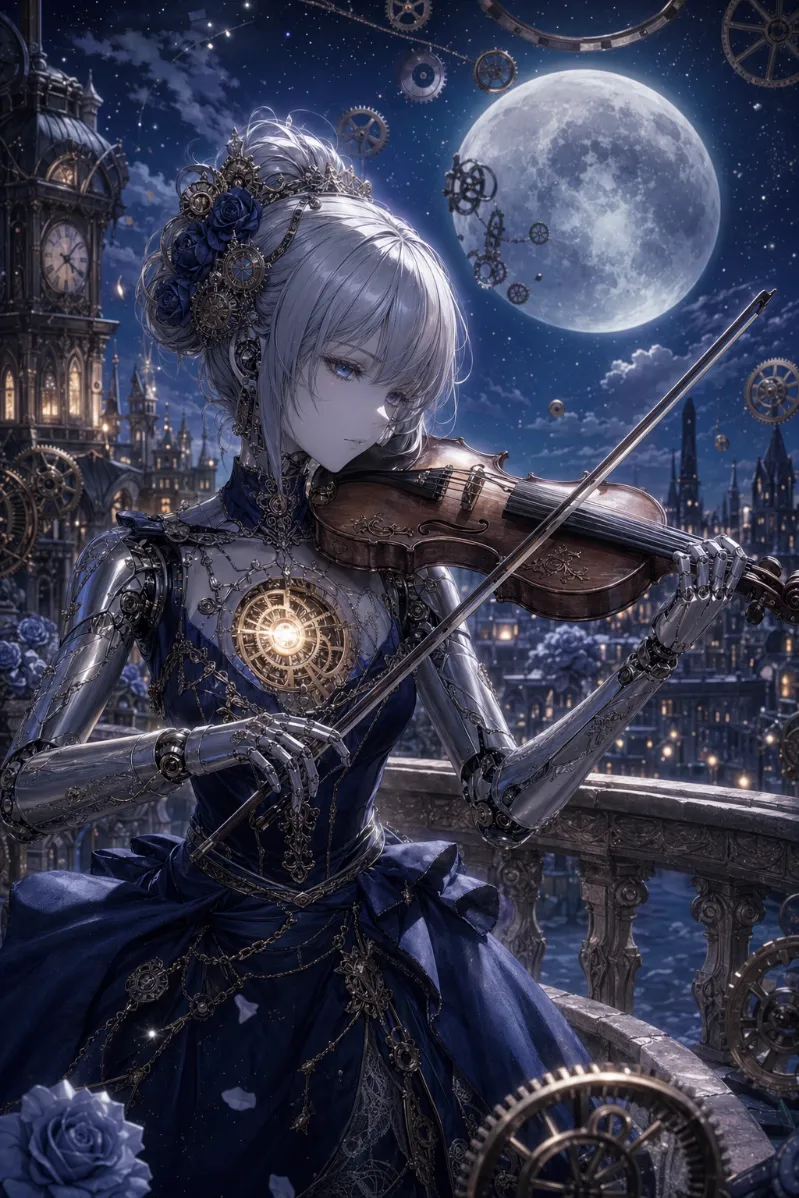
Example 03
Motion PromptSoft magical hand motion, glowing butterflies, slow skirt movement, faint leaf rustle, gentle forest light pulse, calm cinematic atmosphere, preserve the original style.
Video Result
Source
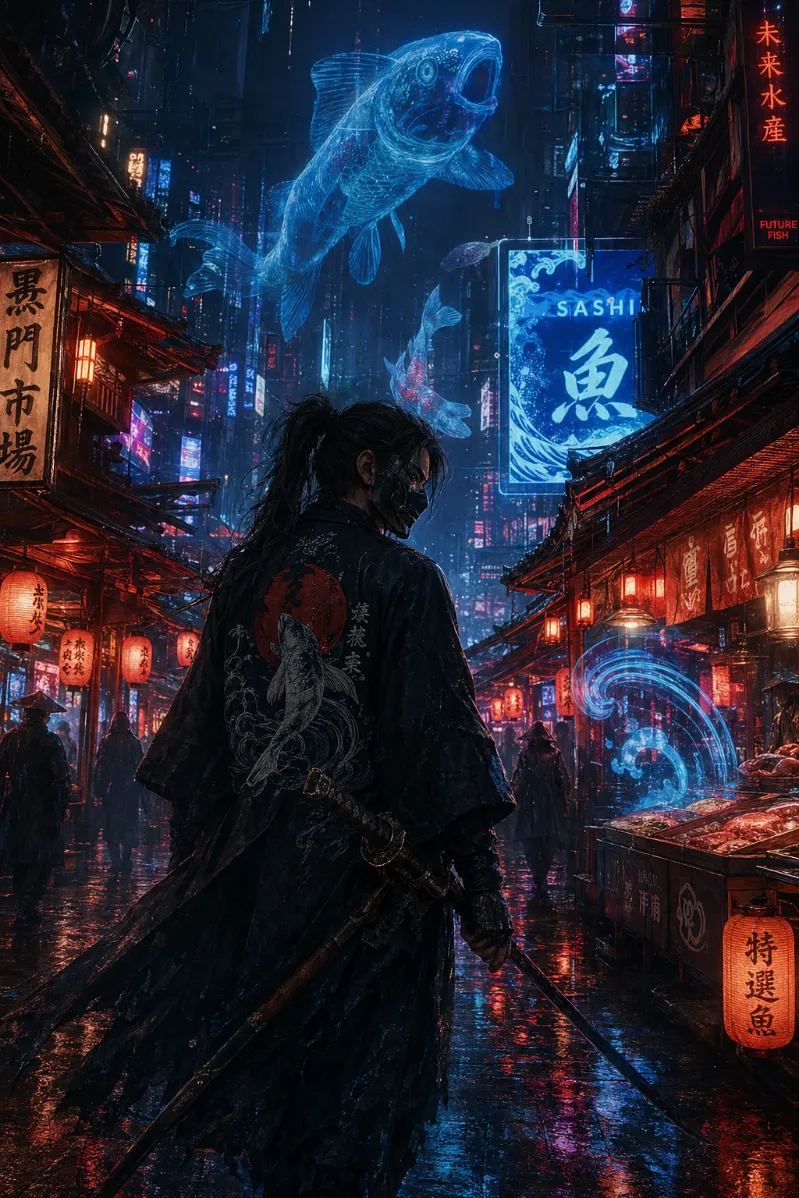
Example 04
Motion PromptSlow head lift, hologram flicker, restrained coat movement, fingertip particle trace, subtle push-in camera, cyber anime mood, clean motion without changing composition.
Video Result
Source
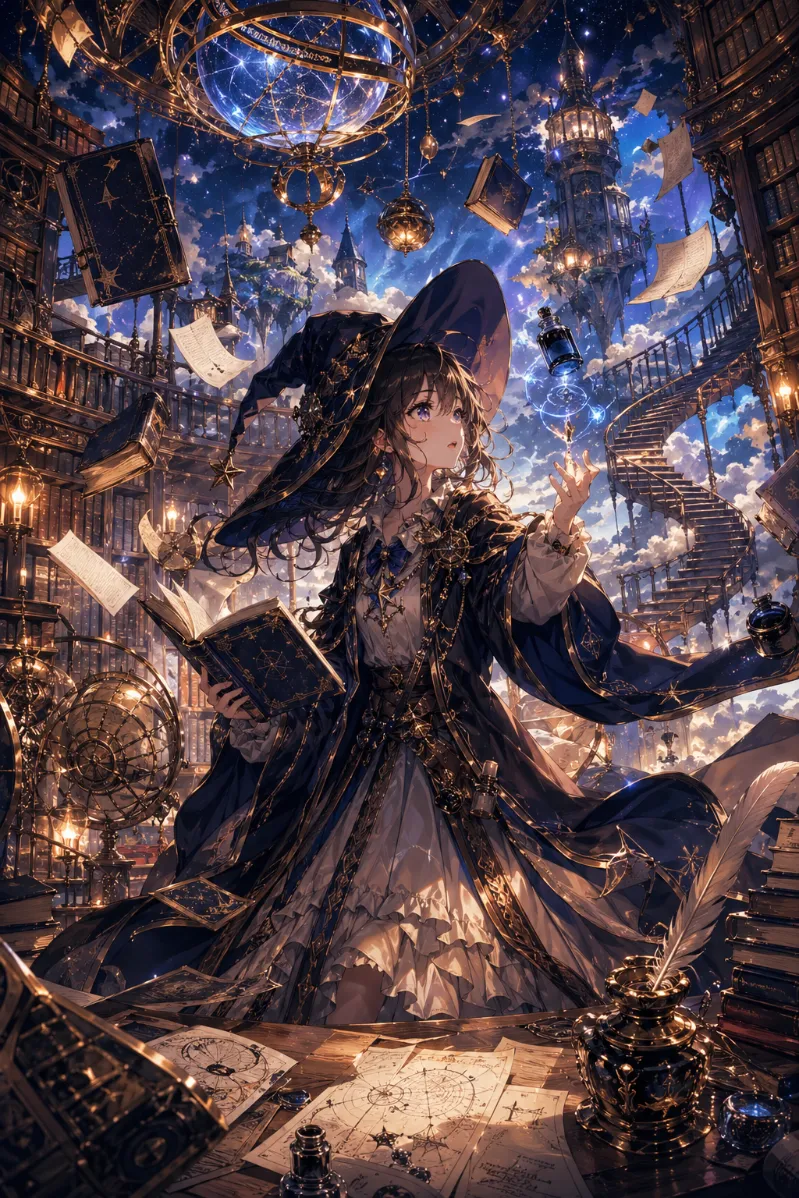
Example 05
Motion PromptEnergy sword swing accent, rain streak motion, neon background flicker, hair movement in the wind, slight camera pan, intense anime action while keeping the pose readable.
Video Result
Source
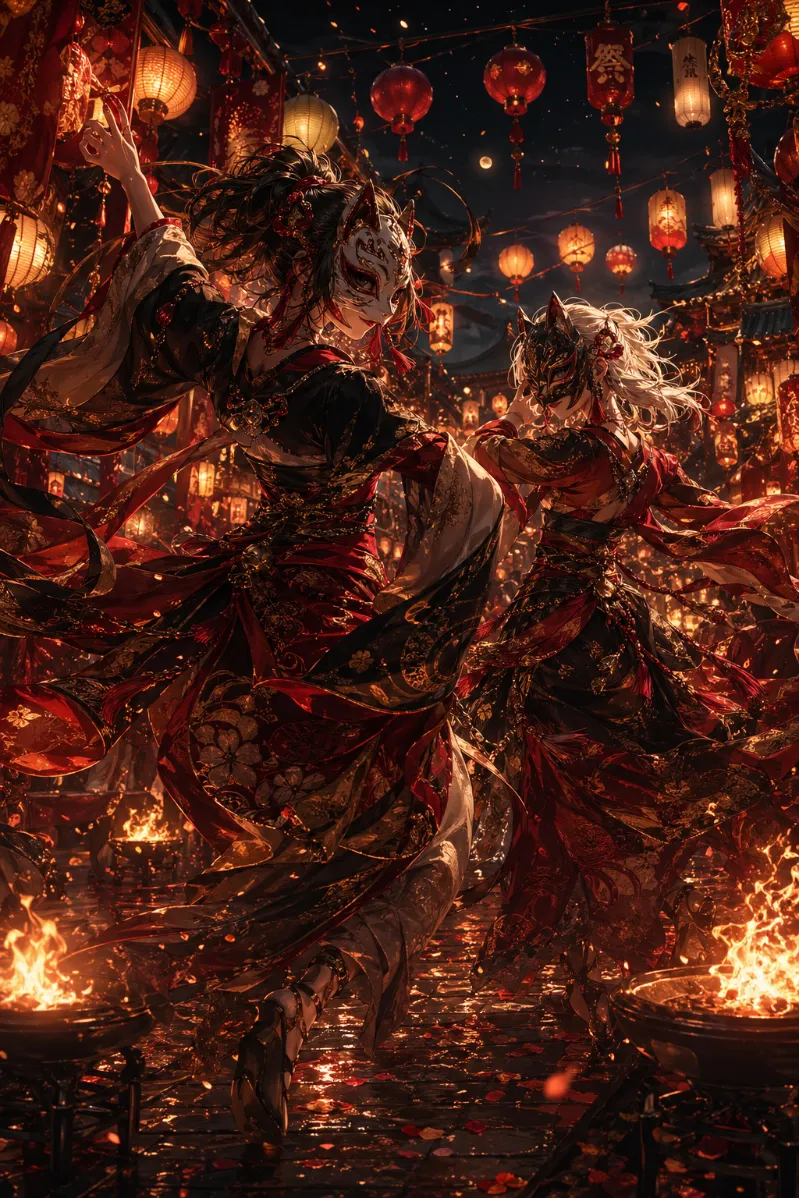
Example 06
Motion PromptFriendly wave, smooth hair sway, falling cherry blossom petals, natural blink, bright smile growth, light background motion, still camera, soft polished loop feel.
Why Choose It
Why This Image to Video Generator Is Practical
The goal is not just adding movement. It is producing motion that feels usable for creators, OC pages, social media, and portfolio content.
Fast Image-to-Video Workflow
You can move from still image to shareable video without opening a full motion design tool. That makes the page useful for quick experiments, landing page assets, and social clip production.
Prompt-Guided Motion Control
Instead of random animation, you can request specific subject motion, environment effects, and camera behavior. Small prompt edits create clearer, more repeatable improvements.
Anime and OC Friendly Output
The workflow fits anime portraits, fan art, OC scenes, avatars, and stylized illustrations where subtle motion matters more than large scene changes.
Flexible Quality Path
Start with a low-friction model for fast results, then switch to a stronger model when you want better control over frames, resolution, or more polished motion behavior.
3-Step Workflow
How to Turn an Image Into a Video
Keep the workflow simple: start with one strong source image, add a focused motion prompt, then generate and compare results.
1
Step 1Upload One Strong Image
Use a portrait, illustration, product shot, or OC image with a clear subject and readable lighting.
2
Step 2Describe Motion Clearly
Tell the model what should move, what should stay stable, and whether the camera should push in, pan, or stay fixed.
3
Step 3Generate and Compare
Preview the video, keep the strongest version, then refine only the motion wording instead of rewriting everything.
Best Inputs
What Images Work Best for Image to Video
The model performs best when the source image already has a clear visual center and the motion request is restrained.
Input Rule 01
Clear Main Subject
Portraits, half-body characters, and clean focal compositions are easier to animate than cluttered scenes with too many competing elements.
Input Rule 02
Readable Lighting
Images with visible edges, separated foreground and background, and stable lighting cues usually produce cleaner motion.
Input Rule 03
Natural Motion Opportunities
Hair, fabric, particles, water, lights, fog, petals, rain, or breathing motion give the model obvious places to animate without distorting the core image.
Input Rule 04
Controlled Prompt Scope
Ask for two or three movement ideas, not ten. Focused prompts usually look more polished than prompts that demand too much action at once.
Anime Prompt Library
8 Anime Image-to-Video Example Prompts
These are stronger starting points for anime-style image to video generation. Each prompt is designed to add motion without breaking the original character design.
Anime Example 01
Shojo Idle Portrait
Prompt
soft blink, gentle hair sway, subtle breathing, floating flower petals, fixed camera, dreamy shojo anime mood
Anime Example 02
Magical Girl Aura
Prompt
sparkling particles, ribbon flutter, soft glow pulse, elegant hand movement, slow camera push-in, magical girl anime style
Anime Example 03
Cyberpunk Rain Scene
Prompt
neon light flicker, rain streak motion, coat movement in the wind, slight head lift, slow cinematic pan, cyber anime atmosphere
Anime Example 04
Shrine Maiden Breeze
Prompt
sleeve movement, hair sway, drifting sakura petals, calm blink, soft lantern glow, still camera, spiritual anime mood
Anime Example 05
Fantasy Swordswoman
Prompt
cape movement, faint sword light pulse, glowing dust particles, steady stance, slow zoom-in, heroic fantasy anime tone
Anime Example 06
School Rooftop Moment
Prompt
uniform fabric flutter, blinking eyes, sunset light shimmer, gentle breeze, fixed camera, quiet anime romance feeling
Anime Example 07
Mecha Pilot Hangar
Prompt
screen flicker, subtle posture shift, jacket movement, light steam drift, industrial glow, slow camera drift, mecha anime style
Anime Example 08
Chibi Mascot Loop
Prompt
cute bounce, quick blink, tiny arm wave, floating stars, cheerful pacing, seamless loop feel, chibi anime energy
Prompt Recipes
Prompt Ideas for Better Image to Video Results
Use short, specific motion instructions. Good prompts usually name one subject motion, one environment motion, and one camera behavior.
Anime Idle Motion
Promptsubtle blink, soft breathing, gentle hair sway, clean anime idle animation, fixed camera, natural timing
Cinematic Push-In
Promptslow camera push-in, floating particles, soft rim light flicker, calm pacing, preserve original composition
Fantasy Scene
Promptglowing particles, cape movement in the wind, drifting leaves, magical atmosphere, elegant slow motion
Portrait Loop
Promptgentle head movement, eye blink, soft smile change, light background depth motion, seamless loop feel
Action Accent
Promptbrief energy pulse, fabric movement, dynamic light streaks, slight camera pan, strong anime action mood
Social Clip Style
Promptclean motion, short loop-ready pacing, subtle zoom, bright atmosphere, eye-catching but not chaotic
Inspiring Use Cases
Common Image to Video Use Cases
This page is especially useful when you already have a finished image and need motion for attention, storytelling, or presentation.
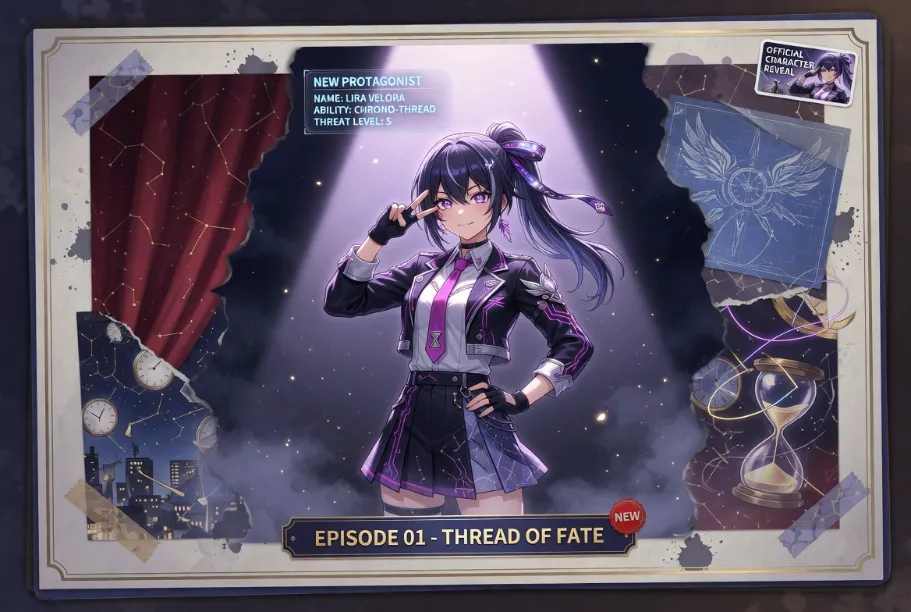
Use Case 01
OC and Anime Creators
Turn finished character art into motion clips for OC intros, profile banners, character reveals, and fandom posts without redrawing the scene.
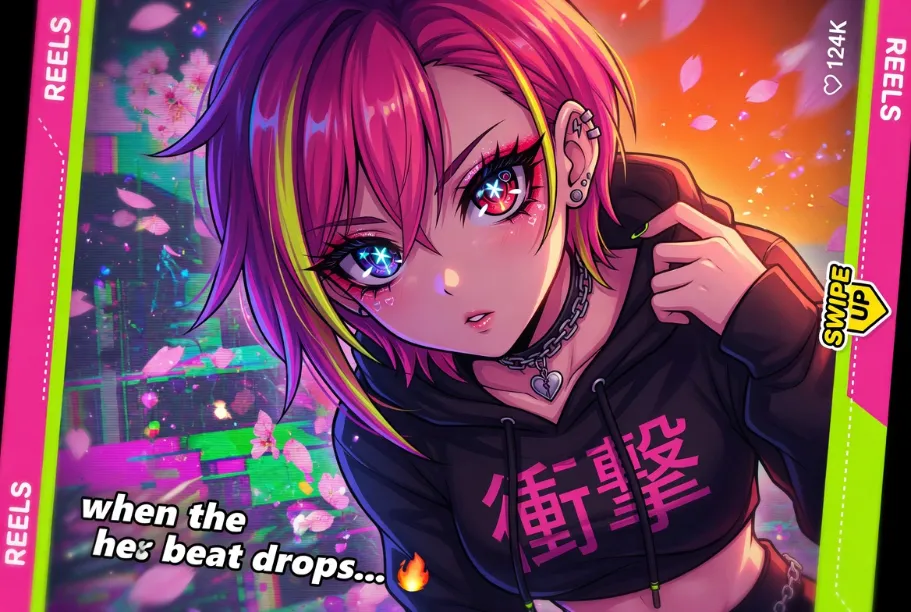
Use Case 02
Social Media Publishing
Convert a still post into a short video asset for TikTok, Reels, Shorts, X, or Pinterest where motion often earns stronger attention than static artwork.
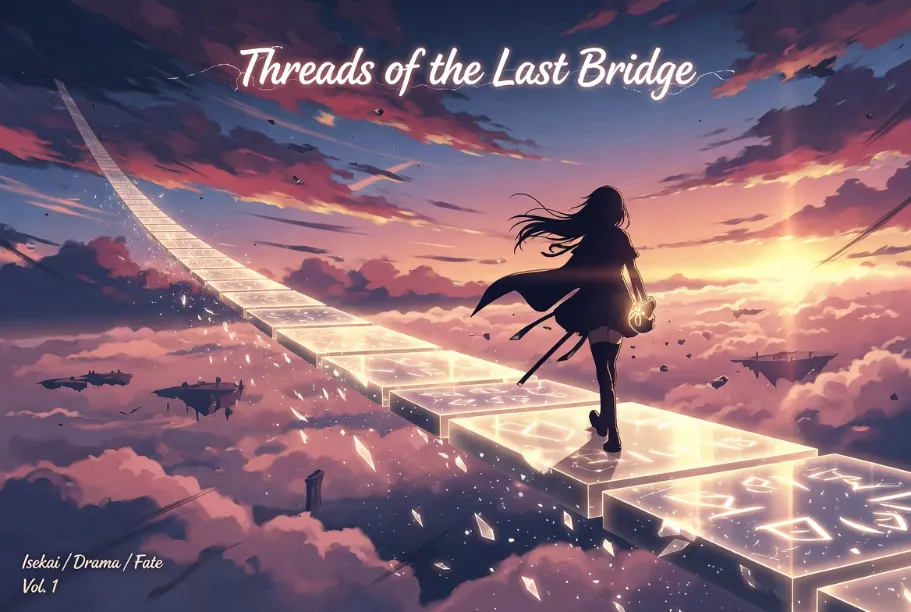
Use Case 03
Visual Storytelling
Use small motion to make web novel covers, visual novel concepts, scene cards, and worldbuilding art feel more alive.
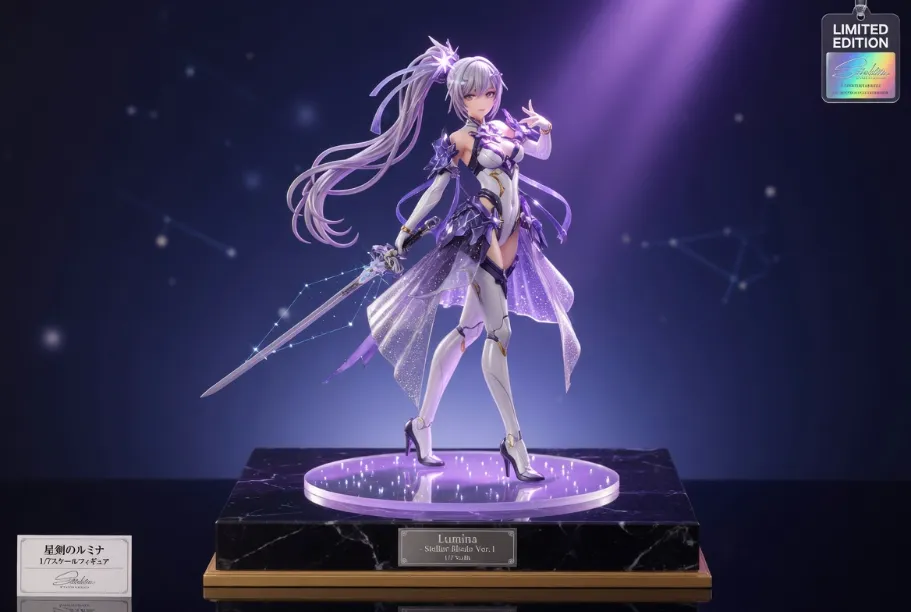
Use Case 04
Marketing and Portfolio Assets
Animate product photos, showcase art, or hero visuals for landing pages, ads, teaser clips, and portfolio presentation.
More Visual Content
Content Blocks That Benefit from Extra Images
If you want to add more visual density beyond the example gallery, these are the next best sections to support with images or mini before/after cards.
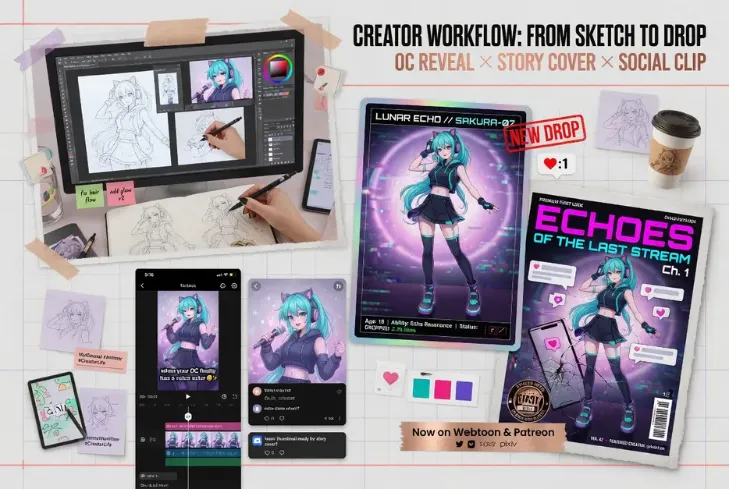
Use Cases with Visual Thumbnails
Use case cards read faster when each scenario has a supporting image style. It helps users immediately imagine whether the tool fits OC reveals, social clips, or product showcase work.
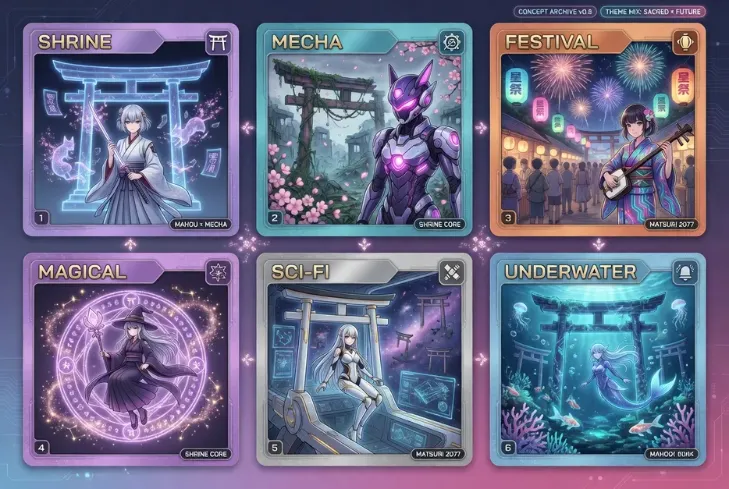
Prompt Library with Style Previews
Prompt ideas become much more practical when each card also shows a matching anime-style thumbnail. This makes the prompt section feel like a reusable idea bank instead of plain text.
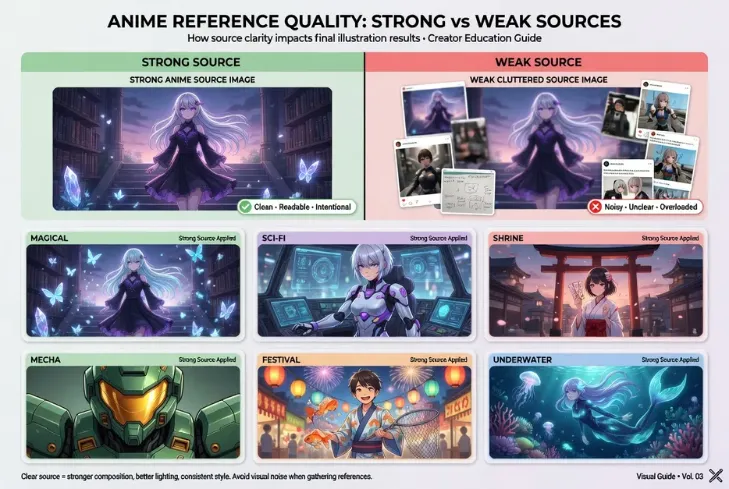
Best Inputs Before-and-After Mini Cards
If you want to push the page further, the Best Inputs area is a good place to add small good-vs-bad visual comparisons that explain which source images animate cleanly.
Guide
What Is an AI Image to Video Generator?
An AI image to video generator converts a still image into a short motion clip. Instead of manually animating layers in video software, you upload one image, describe the movement you want, and let the model generate a video from the original composition.
This type of tool is especially helpful when the source image is already strong and only needs believable motion. Portraits can blink and breathe, hair can sway, lights can flicker, particles can drift, and the camera can push in or pan without rebuilding the scene from scratch.
Creators use image to video tools for anime art, OC reveals, social posts, product showcases, and cinematic concept pieces. The best results usually come from focused prompts that add small, readable motion while preserving the original subject, pose, and framing.
Image to Video Generator FAQ
Image to video starts from an existing image and adds motion to it, while text to video builds a scene from scratch based on a prompt. If you already like your image and want to preserve its composition, image to video is usually the better choice.
Turn Your Best Still Image into Motion
Use one clear image, add a focused motion prompt, and generate a polished clip for OC showcases, anime art, and social content.